FREE · MAC · IPHONE · IPAD · APPLE WATCH
A Markdown scratchpad for Mac, iPhone, iPad and Apple Watch.
Write Markdown without creating a file. There is nothing to name or save: close the app, and when you come back your text is where you left it, with the cursor in the same place.
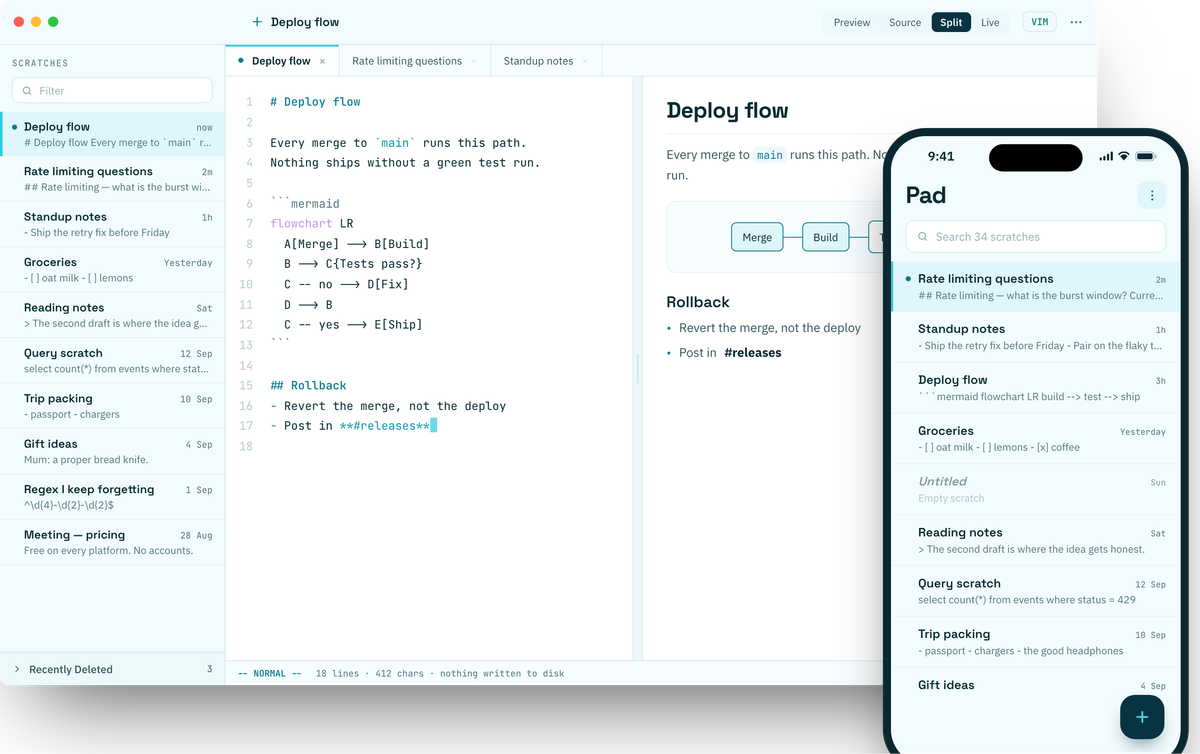
No files to name or save.
Scratches live in the app, not in a folder. There is no save command, because there is nothing to save over. When you want something out, share it, copy it, print it, or drag it out as plain Markdown.
No folders and no tags. Scratches sit in the order you give them, and titles come from the first line. Search reaches every scratch and opens it at the matching line.
A deleted scratch goes to Recently Deleted, not away. Restore it to where it was, any time in the next 30 days.
The same pad on every device.
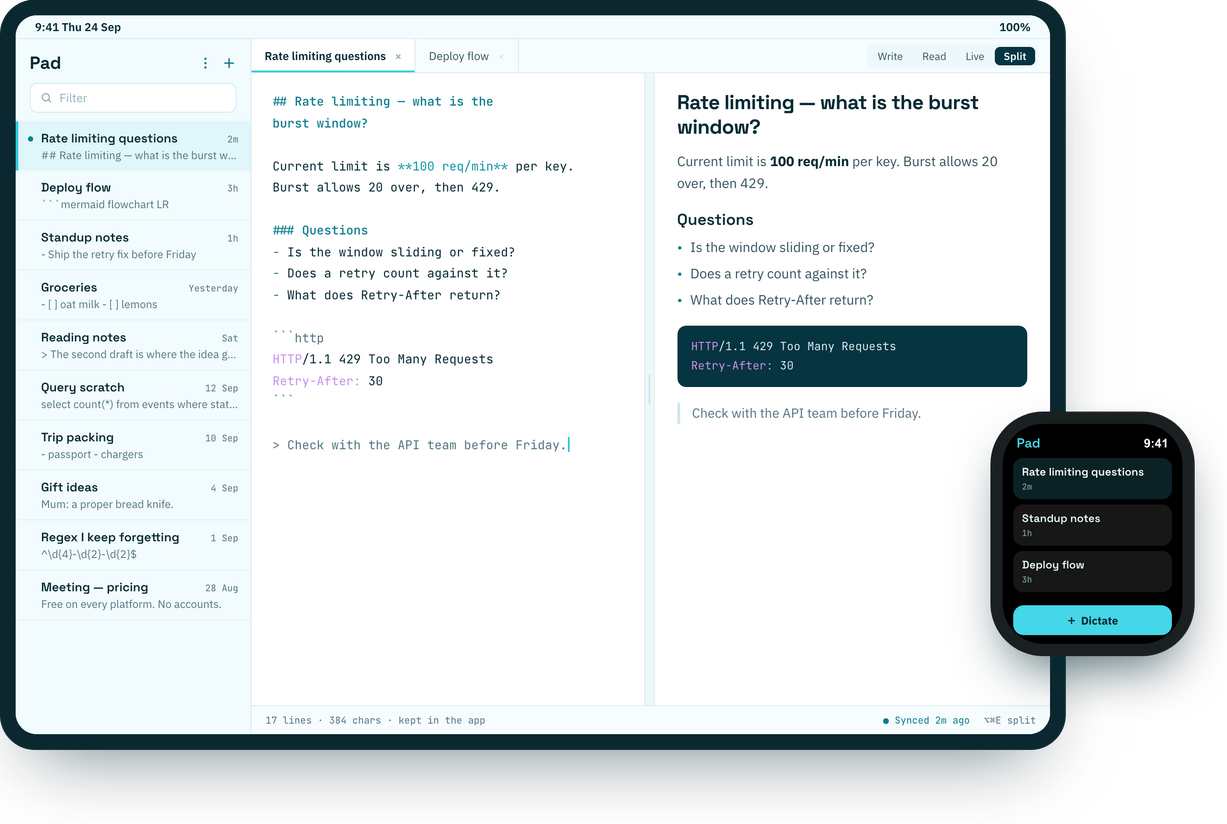
Each app is built for its platform, not ported to it. On iPad with a keyboard, the Mac's shortcuts work unchanged: ⌘N, ⌘E, ⌥⌘E, ⇧⌘F, ⌘1 to ⌘9.
MAC
Tabs, a draggable split, Vim mode and a keyboard cheat sheet on ?.
IPHONE
A native editor with live syntax colour, a Markdown key bar and Write, Read and Live on a swipe.
IPAD
Sidebar, tabs and Split once the window is wide enough — in Split View and Stage Manager too.
APPLE WATCH
Your last ten scratches to read, and dictation to add a new one.
PRIVACY
Encrypted on your device and in iCloud.
Every scratch, title included, is encrypted with AES-256-GCM before it is written, using a key kept in your Keychain. We collect nothing: no analytics, no crash reports, no account.
Read the privacy policy- You hold the key DEFAULT
The key travels in your iCloud Keychain. iCloud stores sealed bytes it cannot read.
- Apple holds the key
The key sits in an iCloud encrypted field, so Apple account recovery can bring the pad back if you lose every device.
- Don't sync
Nothing leaves the device.
- An optional lock
Face ID or Touch ID, a passphrase, and a one-time recovery code. Turn it on once and it applies on every device. While it is on, widgets and the watch show only that the pad is locked.
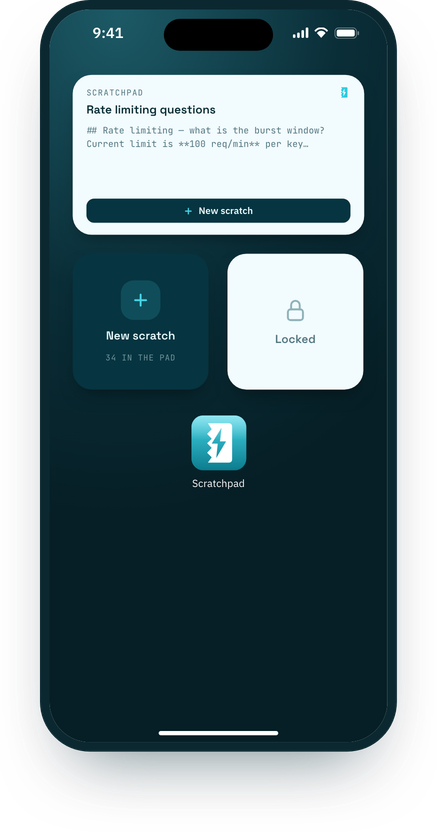
Ways to add a scratch
- Widgets
- Medium shows your top scratch. Small starts a new one.
- Controls
- Put Scratch on the Lock Screen, in Control Centre or on the Action Button. One press opens a new scratch.
- Share sheet
- Send text or a link from any app. Links arrive as Markdown, ready for a note underneath.
- Siri and Shortcuts
- New Scratch, Append to Scratch and My Last Scratch. None of them can delete.
- Apple Watch
- Dictate a scratch from your wrist.
Markdown renders on the device, with no connection needed.
-
- [x] GFMTables, task lists, strikethrough and fenced code, as GitHub renders them.
-
```mermaidFlowcharts, sequence and state diagrams drawn on the Mac from a code block.
-
:set vimVim mode on the Mac, with an option to share the register with the system clipboard.
-
7 themesScratchpad, Lime, Nord, Solarized, Dracula, Gruvbox and Rosé Pine, each light and dark.
Free, with no account or subscription.
One download for Mac, iPhone, iPad and Apple Watch.